Card & Speed
Solitaire Social
Competitive Klondike card sorting built around head-to-head board races, spell power-ups, and progressive garden unlocks.
UK Sandbox & Open-World Games Guide · Monday to Friday, 09:00–17:30 GMT
Catalogue Index · Zero External Links
This Platform Atlas breaks down six browser and lightweight desktop games by genre family, round length, and what to check on the official studio portal before rolling an account. Outbound links stay off inner pages so you can inspect mechanics and setup notes without redirects.
Browse by Family
Hit any category button below to filter the grid live in your browser.
Competitive Klondike card sorting built around head-to-head board races, spell power-ups, and progressive garden unlocks.

Overhead cue-physics matches with fine-grain spin control, shot clocks, and instant browser matchmaking.
Fast turn-based row-clearing duels where players force opponents into the final move without downloads or logins.
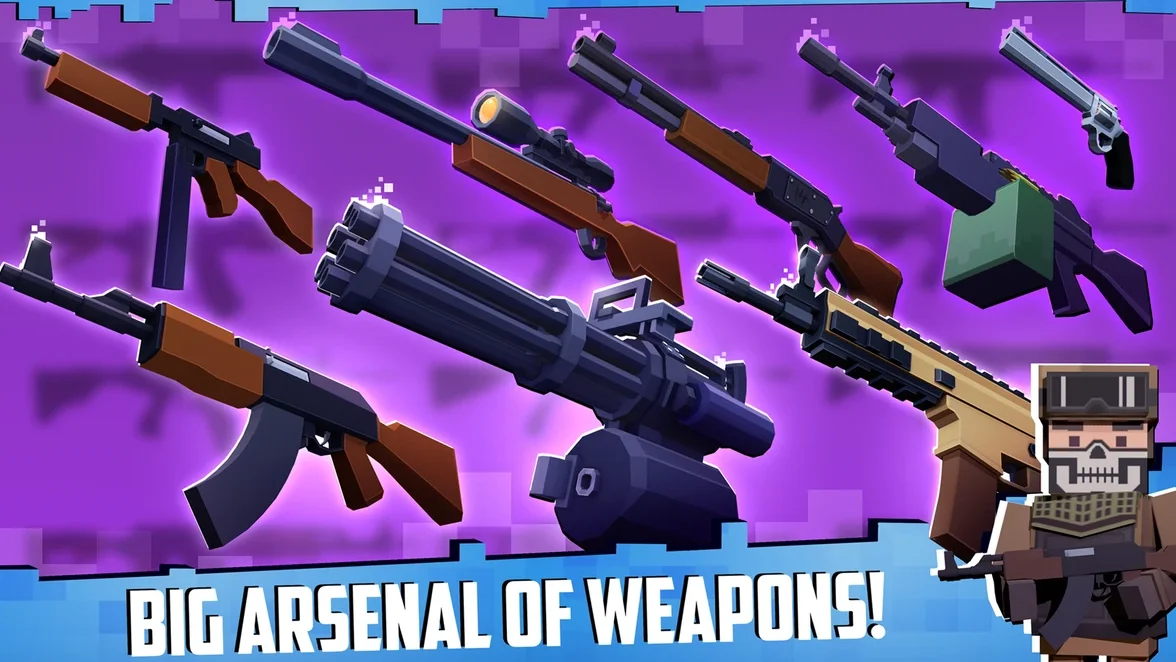
High-energy third-person browser shooter with stylized heroes, capture-point arenas, and instant respawn pacing.
Layered grid tactics upgrading classic noughts and crosses with nested piece sizes and positional overrides.

Continent-scale fortress building, commander loadouts, and alliance territory control across an interactive map of Westeros.
Player Field Notes
Whether you want rapid arena matches or multi-week map control, the practical gap between browser portals comes down to how cleanly they handle controls, load times, and account menus. Across our UK test runs, three patterns stand out on well-maintained sites.
Skill games and grid tactics boards often let you test live rounds against bots before asking for an email. Persistent sandboxes and empire builders, by contrast, need an account from minute one so your colonies and upgrades save across sessions. Knowing which pattern you want avoids throwaway logins.
Strategy worlds and frontier sims routinely ask for browser push permissions to ping you when build queues finish. Decline push alerts on day one unless you actively want desktop pop-ups, and check chat mute options if you prefer solo focus.
Every title in our Platform Atlas keeps sound toggles and account settings reachable from the main HUD. If you step away from a long-running world, check the studio’s account closure or email opt-out menu before clearing bookmarks.
Quick arena rounds and skill boards wrap up cleanly in five to twelve minutes with zero upkeep timers left ticking. Grand sandbox maps and alliance worlds reward morning-and-evening check-ins, making them a stronger fit when you want ongoing guild strategy over multi-week campaigns.
Freeroam Albion does not load user accounts or third-party advertising trackers. Choose how your browser records your consent state below.
Saves aoik_cmp_choice (180 days) and aoik_cmp_record so your choice persists without repeating this prompt.